

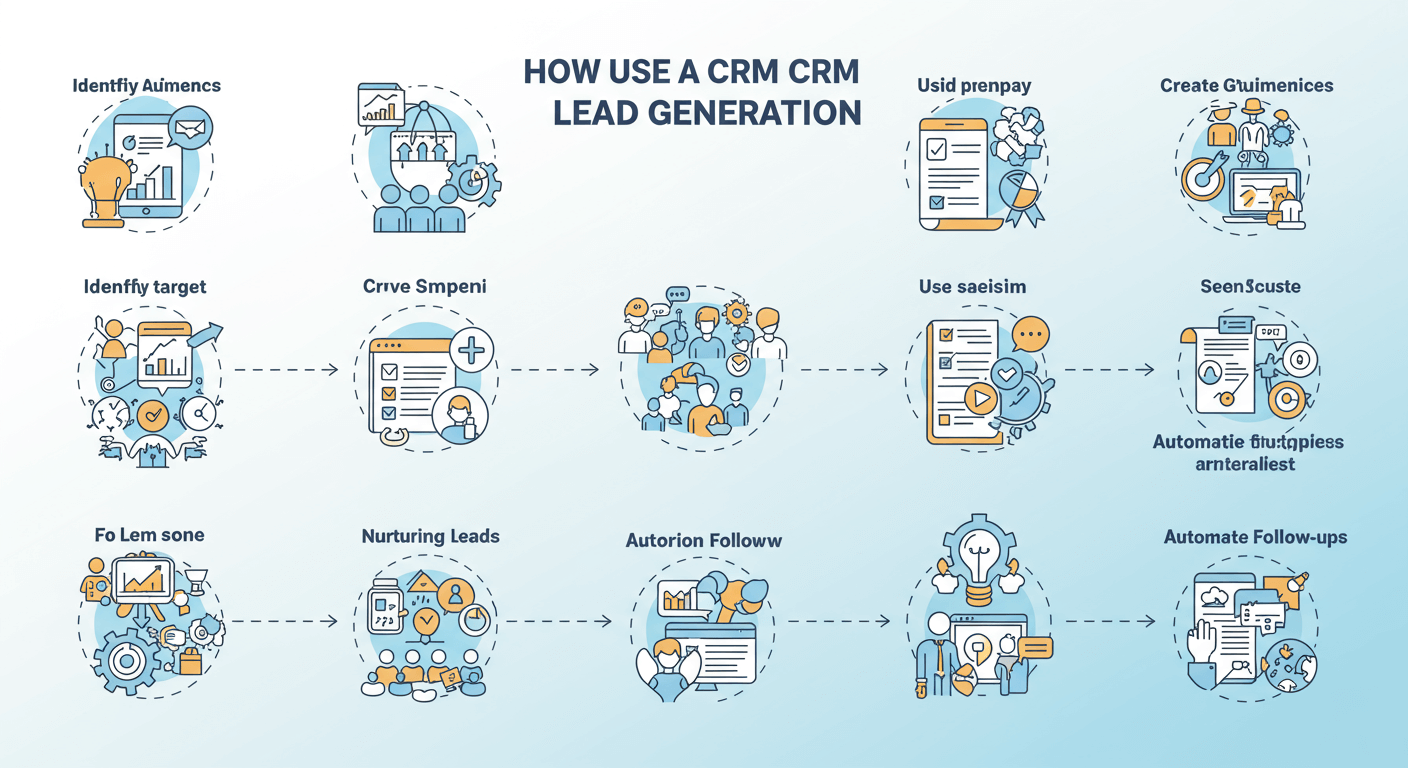
Growing a business hinges on a steady stream of new leads. But finding, tracking, and nurturing those potential customers can feel like a monumental task. As your lead list grows, spreadsheets and manual tracking become inefficient, leading to missed opportunities and frustrated sales teams. This is where a Customer Relationship Management (CRM) system becomes an indispensable tool.
A CRM isn’t just a digital address book; it’s a powerful engine for your lead generation strategy. It helps you centralize contact information, track every interaction, automate communication, and analyze your performance to see what’s working. By integrating a CRM into your workflow, you can transform your lead generation from a chaotic process into a streamlined, effective system.
What is Lead Generation?

Lead generation is the process of identifying and attracting potential customers for your business. The goal is to build a pipeline of individuals who have shown interest in your product or service. This interest can be demonstrated in various ways, such as filling out a contact form, downloading an e-book, or signing up for a newsletter.
A “lead” is simply a person or business that might eventually become a client. The process involves capturing their contact information and nurturing their interest until they are ready to make a purchase. Effective lead generation is the first and most critical step in the sales funnel.
The Role of a CRM in Lead Generation
A CRM system is the central hub for all your lead generation activities. It provides the structure and tools needed to manage leads efficiently from initial contact to final sale.
Here’s how a CRM supports the lead generation process:
- Lead Capture: CRMs integrate with your website, social media, and other channels to automatically capture lead information. This eliminates manual data entry and ensures no lead falls through the cracks.
- Lead Organization: All lead data is stored in one centralized location. You can segment leads based on demographics, behavior, or their stage in the sales funnel, allowing for more targeted communication.
- Lead Nurturing: CRMs enable you to automate email sequences, track interactions, and schedule follow-ups. This helps you build relationships with leads over time and guide them toward a purchase.
- Analytics and Reporting: With built-in analytics, you can track the performance of your lead generation campaigns. This data helps you understand which channels are most effective and where to focus your efforts.
How to Boost Lead Generation with a CRM
Integrating a CRM into your strategy can significantly improve your ability to attract and convert leads. Here are practical steps to make it happen.
Centralize and Organize Your Lead Data
The first step is to consolidate all your lead information into one system. Manually managing leads across different spreadsheets, email inboxes, and notebooks is a recipe for disaster. A CRM provides a single source of truth for all customer data.
- Import Existing Contacts: Start by importing your existing contacts into the CRM. Most platforms make this easy with CSV file uploads.
- Automate Lead Capture: Connect your CRM to your website forms, landing pages, and social media channels. When a visitor fills out a form or interacts with an ad, their information is automatically added to your CRM as a new lead. For example, if someone downloads a whitepaper from your website, the CRM can create a new contact record for them instantly.
Segment Your Leads for Targeted Messaging
Not all leads are created equal. Some are ready to buy, while others are just beginning their research. A CRM allows you to segment your leads into different groups based on specific criteria, enabling you to send more relevant and personalized messages.
You can segment leads by:
- Demographics: Industry, company size, job title, or location.
- Lead Source: Where the lead came from (e.g., organic search, social media, referral).
- Behavior: Pages visited on your website, emails opened, or content downloaded.
- Engagement Level: How often a lead interacts with your brand.
For instance, you could create a segment for leads who visited your pricing page but didn’t sign up. You can then send this group a targeted email offering a free demo or a special discount to encourage them to take the next step.
Automate Lead Nurturing Workflows
Lead nurturing is the process of building relationships with prospects who aren’t yet ready to buy. Automation is a CRM’s superpower in this area. You can create automated email workflows that deliver the right message at the right time.
Here’s how to set up a nurturing campaign:
- Create an Email Sequence: Write a series of emails designed to educate and engage your leads. The first email could welcome them, followed by emails that share valuable content, case studies, or customer testimonials.
- Set Up Triggers: Use your CRM to define triggers that start a workflow. A trigger could be a form submission, a link click, or a period of inactivity.
- Personalize Your Content: Use personalization tokens (like
[First Name]) to make your automated emails feel more personal. A simple touch like addressing a lead by their name can significantly increase engagement.
Imagine a new lead signs up for your newsletter. Your CRM can automatically send a welcome email, followed by a series of three emails over the next two weeks sharing your most popular blog posts. This keeps your brand top-of-mind without manual effort.
Implement a Lead Scoring System

Lead scoring helps your sales team prioritize their efforts by ranking leads based on their perceived value. A CRM can automate this process by assigning points to leads based on their attributes and actions.
- Define Your Criteria: Determine which characteristics make a lead more valuable. This could include their job title (e.g., a C-level executive gets more points than an intern) or company size.
- Assign Points for Actions: Award points for specific behaviors that indicate interest, such as opening an email (1 point), visiting the pricing page (5 points), or requesting a demo (10 points).
- Set a Threshold: Establish a point threshold that qualifies a lead as “sales-ready.” Once a lead reaches this score, the CRM can automatically notify a sales representative to follow up.
This system ensures your sales team focuses their time on the hottest leads, increasing their chances of closing a deal.
Track and Analyze Your Performance
You can’t improve what you don’t measure. A CRM provides detailed reports and dashboards that offer insights into your lead generation performance.
Key metrics to track include:
- Number of New Leads: How many new leads are you generating per week or month?
- Lead Source Performance: Which channels are driving the most high-quality leads?
- Conversion Rate: What percentage of leads are converting into customers?
- Sales Cycle Length: How long does it take to convert a lead into a customer?
By regularly reviewing this data, you can identify trends, spot bottlenecks, and make data-driven decisions to optimize your strategy. For example, if you notice that your blog is generating a high volume of quality leads, you might decide to invest more resources in content creation.
Supercharge Your Sales Pipeline
A CRM is more than just a tool for managing contacts; it’s a strategic asset that can fuel your entire lead generation engine. By centralizing data, automating communication, and providing actionable insights, a CRM empowers your team to work smarter, not harder. You can build stronger relationships with prospects, guide them through the sales funnel more effectively, and ultimately drive business growth.
If you’re still relying on manual methods to manage your leads, it’s time to make a change. Explore different CRM options and find one that aligns with your business needs. The initial effort to set up the system will pay off tenfold in increased efficiency, better lead quality, and higher revenue.



Leave a Reply